How to Connect Claude to WordPress Without MCP or Abilities API
Learn how WPadmin.AI Premium connects Claude to WordPress without manual MCP or Abilities API setup.
Read the guide: How to Connect Claude to WordPress Without MCP or Abilities APILearn how to improve WordPress sites, understand development terms, use WPadmin.AI, and follow product updates without wading through technical noise.

Learn how WPadmin.AI Premium connects Claude to WordPress without manual MCP or Abilities API setup.
Read the guide: How to Connect Claude to WordPress Without MCP or Abilities API
Learn how AI can help convert WordPress Classic Editor pages into Gutenberg blocks while preserving content and page appearance.
Read the guide: How to Convert Classic Editor Pages to Gutenberg in WordPress with AI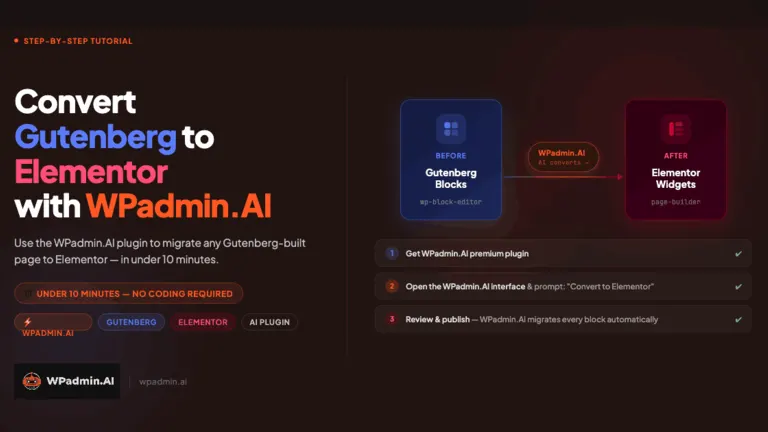
Learn how AI can help convert a Gutenberg or Classic Editor WordPress page to Elementor while preserving content and keeping a backup.
Read the guide: How to Convert Gutenberg to Elementor in WordPress with AI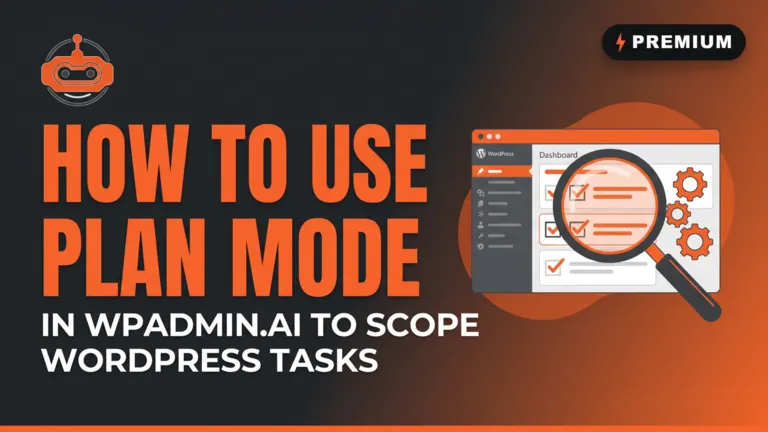
Learn how WPadmin.AI Premium Plan Mode helps scope a WordPress task correctly before website changes are made.
Read the guide: How to Scope a WordPress Task Correctly with WPadmin.AI Premium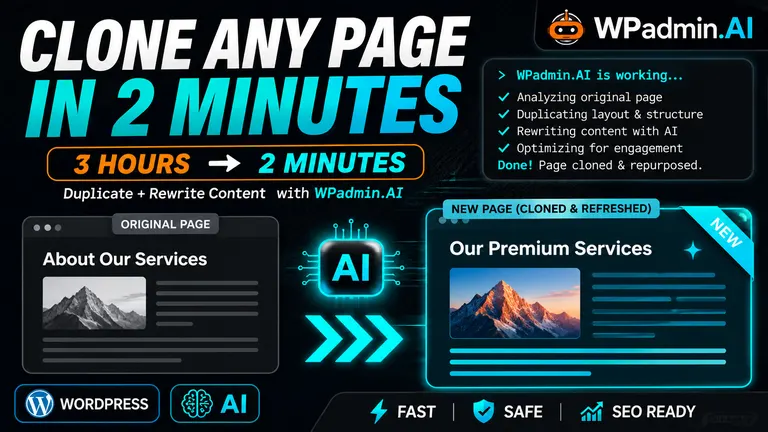
See how WPadmin.AI Premium can duplicate a WordPress page and edit the content for a new audience in minutes.
Read the guide: How to Duplicate a WordPress Page and Edit the Content with WPadmin.AI Premium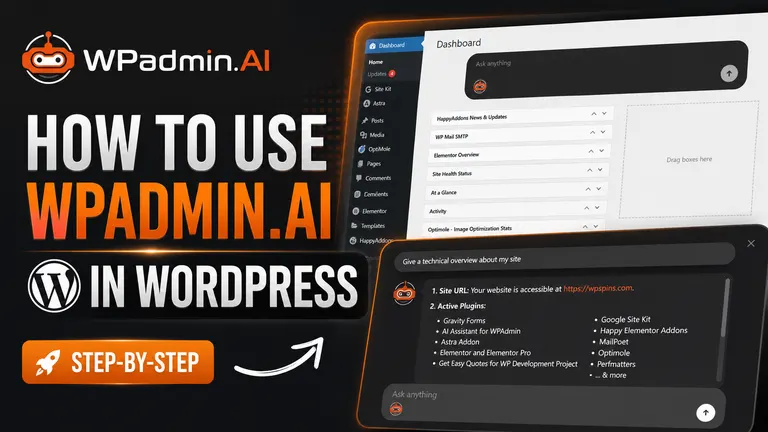
Learn how to prompt WPadmin.AI Premium from your WordPress dashboard, verify access, approve a task, and review the completion report.
Read the guide: How to Prompt WPadmin.AI Premium to Complete a WordPress Task
A practical guide to connecting WordPress 7.0 to Claude Code with MCP, application passwords, the MCP Adapter, and exposed WordPress abilities.
Read the guide: How to Connect WordPress 7.0 to Claude Code via MCP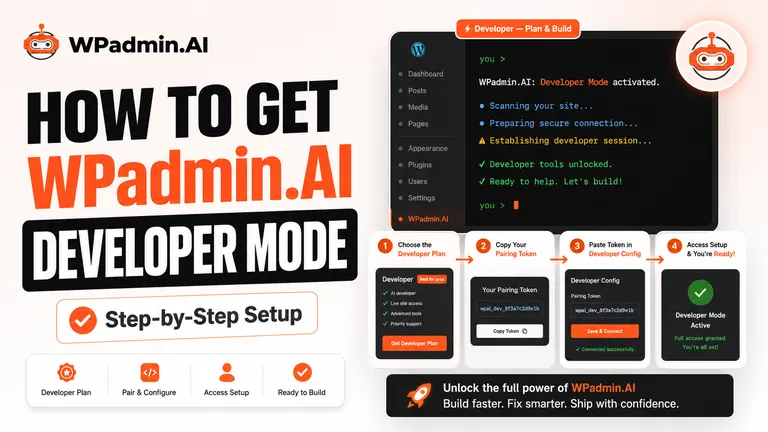
Learn how to install WPadmin.AI after buying Premium, copy your pairing token, authorize access, and start the test site creation process.
Read the guide: How to Configure WPadmin.AI Premium in WordPressSee how the WPadmin.AI plugin helps with slow WordPress sites, broken forms, feature builds, plugin work, theme work, and dashboard-based site changes.
Read the guide: WPadmin.AI Demo: Fix Problems, Build Features, and Make WordPress Changes From Your Dashboard